Hide the sender’s info button |
  
|
Hide the sender’s info button |
|
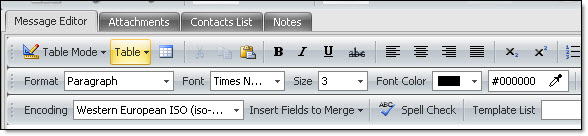
Click on the “Hide the sender’s info” button, from the taskbar. Some users hide the sender’s information in order to have more space to write.
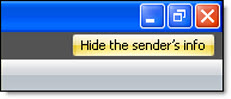
You can also hide the sender’s information by clicking on the button “Hide sender’s info”, located in the upper right corner of the screen.
Image 1: The sender’s information is not hidden.
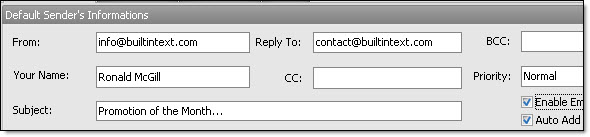
Image 2: The sender’s information is hidden.