Message editor of Mass Mailing News |
  
|
Message editor of Mass Mailing News |
|
In Mass Mailing News, the “Message editor” tab is used for message creation. You can create an “A to Z” campaign in this powerful “Message editor” tab. You don't have to be a web designer or to know HTML in order to create stunning email messages with Mass Mailing News. Start by selecting one of our templates, which come in a variety of layouts. (See the File Menu).
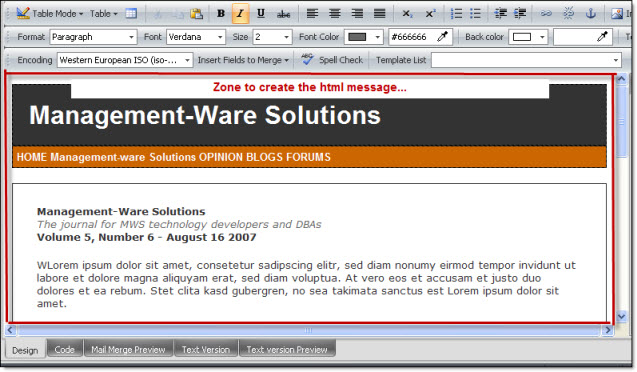
If you are on the “Message editor” tab, you will not be able to choose “Message editor” from the “View” menu. However, if you are in the following sections: attachments, contacts list and log (Sending history), you will be able to click directly on the “Message editor” tab, at any time, to return to the message creation page. You will also be able to return to the “Message editor” tab from the “View” menu by clicking on “Message editor”.
When you open an existing email message, an HTML page or an imported Web page, they will be displayed in the “Message editor” tab. Then, you will have the possibility to modify your message.
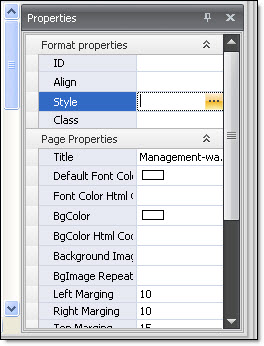
On the right hand side of the editor, you will see a dialog box which displays the properties of the elements of the message.