Do a Backup of the current mailing list |
  
|
Do a Backup of the current mailing list |
|
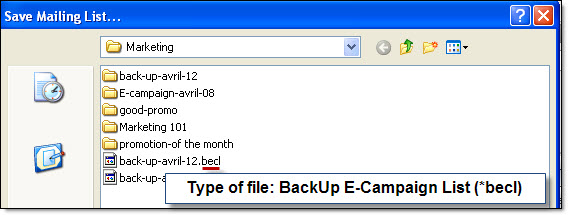
To save the current list now in our bulk email sender program please follow the instructions below.To back up your contact list, from the “File” menu, click on “Mailing list back up” and select “Back up the open mailing list now”. The “Save the mailing list as...” dialog box will be displayed. Give a name to your file and click on the “Save” button.
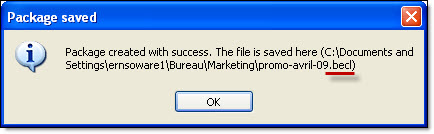
You will see a message that says that you have successfully created your package.