Manage email messages or lists |
  
|
Manage email messages or lists |
|
You want to manage email messages or lists? The contact list manager can display a list of your messages. This module can be activated or deactivated.
From the “Edit” menu select “Use contact list manager” and click on the item. When this option is selected, the “Use contact list manager” dialog box will be displayed every time you open the program and every time you select “Open a mailing list”.
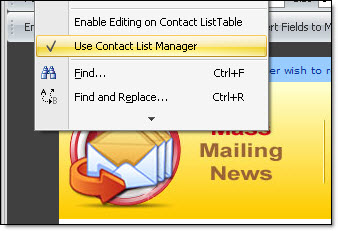
If this option is deactivated, you can directly open a mailing list without going through the contact lists manager. To maximize your time, we recommend selecting this option.
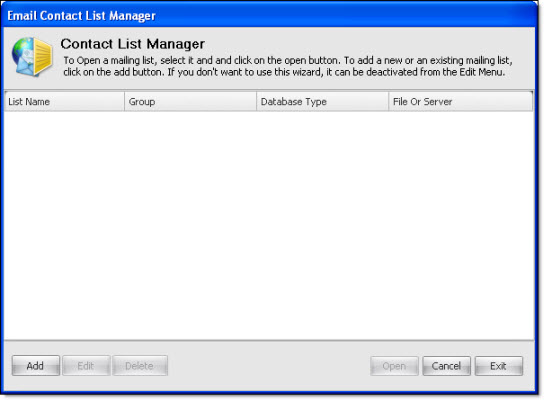
Note: From the “Contact list manager” dialog box, you can also add, edit and delete the messages. To open an existing message, you only need to select it and click on “Open”. To cancel or close the dialog box, click on “Cancel”. If you wish to close the program through the contact list manager dialog box, then you only need to click on “Exit”. The program will ask you to confirm your choice.