Open the mailing list - Backup copy |
  
|
Open the mailing list - Backup copy |
|
In our desktop mail software, to open a backed up mailing list, from the “File” menu, click on “Mailing list back up” and select “Open back up mailing list”.

The “Open” dialog box will be displayed. Then, select and open the list.

Then, select your saved file and click on the “Open” button.

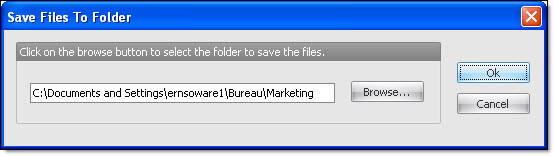
Then, the “Save the document in the folder” dialog box will be displayed. Create a folder or choose the place where you want to save the document.
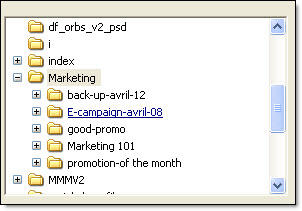
Finally, click on the “Ok” button to display the list.
Note: The saved files have the .becl extension.