Merge the current contact list with another list |
  
|
Merge the current contact list with another list |
|
It's really easy to merge the current contact list with another list in Mass Mailing News. From the taskbar, go to the “Contacts” menu and select “Merge the current contact list with another list”. The “Open” dialog box will be displayed. Select your file and click on the “Open” button. Your list will be loaded and the total number of contacts will increase. Click on any recipient and you will see the change in the total number of contacts!
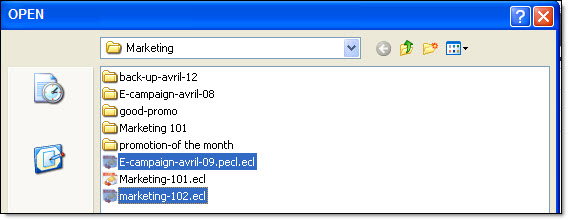
Note: The files created with Management-Ware Mass Mailing News have the extension (.ecl).