Options and settings in Mass Mailing News |
  
|
Options and settings in Mass Mailing News |
|
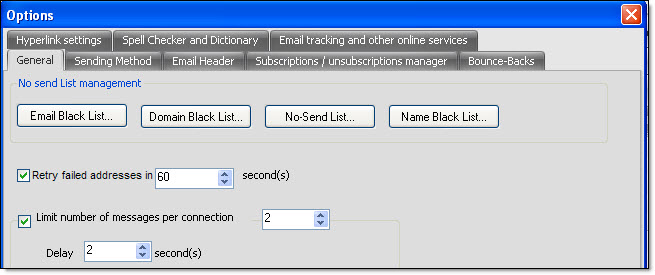
First, to access the options dialog box, you need to click on “View”, and then on “Options”. The “Options” dialog box will automatically appear. The “Options” dialog box will let you access many modules: Sending method, Email header, Subscription and unsubscription management (Opt-In and Opt-Out), Bounce-backs (returned emails), email black list, domain black list, email no-send list (blocked emails list), hyperlink settings, spell check and dictionary, email tracking and other online services.