save, open mailing list and the HTML message |
  
|
save, open mailing list and the HTML message |
|
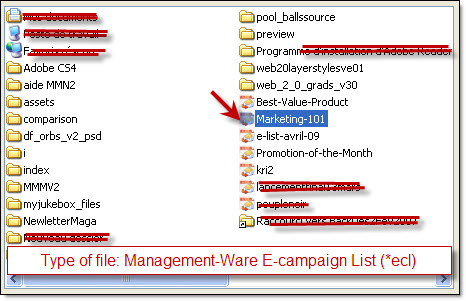
Before opening a new email list, if you have an opened message in the edit box of the “Message editor” tab, you have to save it first. If you select the “Open a mailing list” option, from the “File” menu, the “Open” dialog box will be displayed and you will have the possibility to select an existing template. You only have to select the document and click on the “Open” button.
When you click on “Open a mailing list” and see the “Contact list manager” dialog box displayed, it’s because this option has been selected from the “Edit” menu. To display an existing e-mail list or message, you only have to select it from the list and click on the “Ok” button.
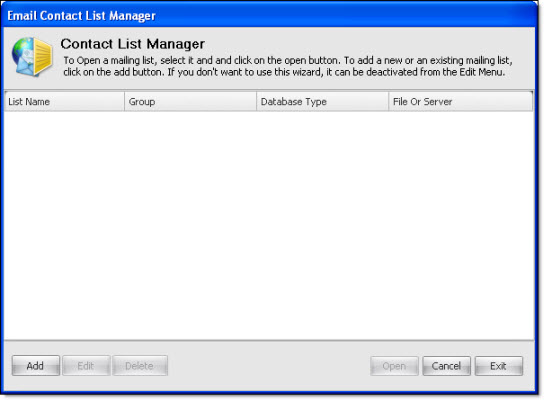
To prevent the “Email contact list manager” dialog box from displaying, each time you click on “Open mailing list”, you have to uncheck the option. Go to the “Edit” menu and uncheck the “Use contact list manager” option.