Open HTML emails |
  
|
Open HTML emails |
|
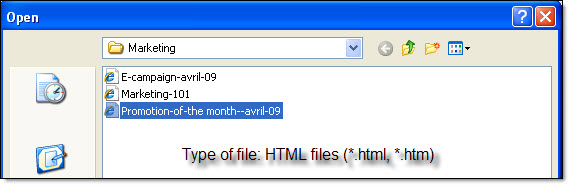
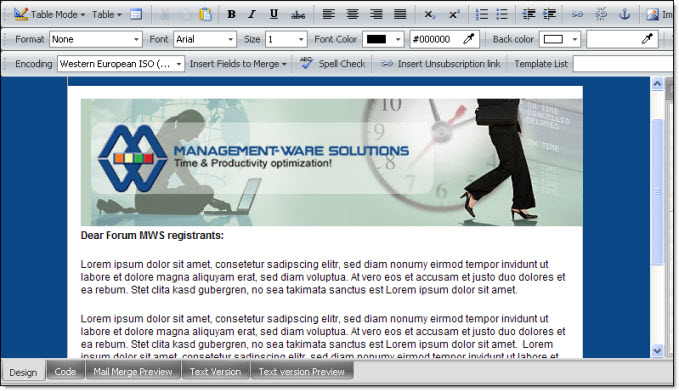
To open an HTML emails go to the “File” menu, you only have to click on “Open HTML message”. Then, you will have the possibility to select your Web page and open it. After opening your html message in the program, you will be able to make modifications and save the changes.
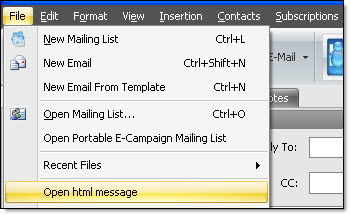
2nd Step: Open an HTML message
Message displayed in the message editor
Our bulk email software contains multiple dialog boxs and lots of features! A free mailing list program.