Style editor in Mass Mailing News |
  
|
Style editor in Mass Mailing News |
|
The style editor in Mass Mailing News allows the user to adjust each item of the message. The editor displays the fonts, the text effects, the frames edition options, background image and color, alignment and space between the items of the message. You will find the style editor in the dialog box where the message properties are displayed.
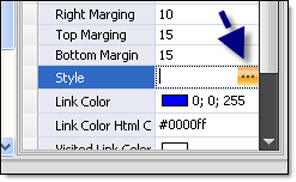
From the “Properties” menu, located on the right hand of the screen, click on the “Style” field. After some seconds, the “Style editor” dialog box will be displayed. See the image below.
Style editor dialog box | Bulk emailing software
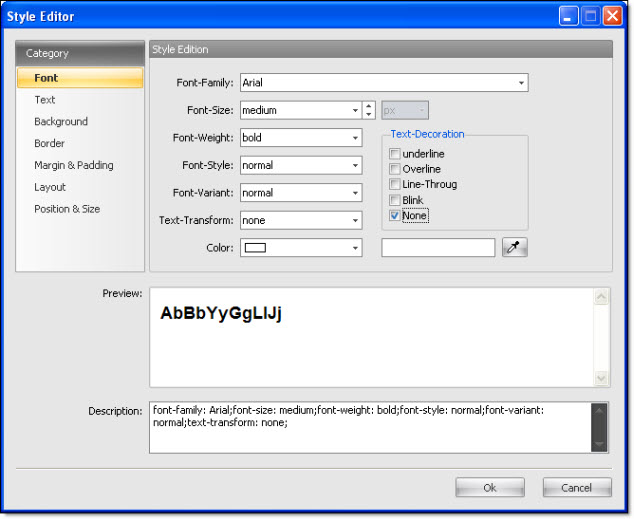
Modify as necessary and click on the “Ok” button to save and to close the dialog box.