Design mode in Mass Mailing News |
  
|
Design mode in Mass Mailing News |
|
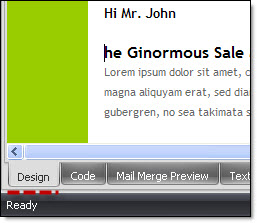
By default when you open the program you will always be in the design mode. For example, if you are creating a message and you click on “Message preview” in order to have a preview and you wish to continue creating your message, you will have to click on “Design” in order to be able to edit your message.
Note: You cannot edit your message in the “Preview” mode.