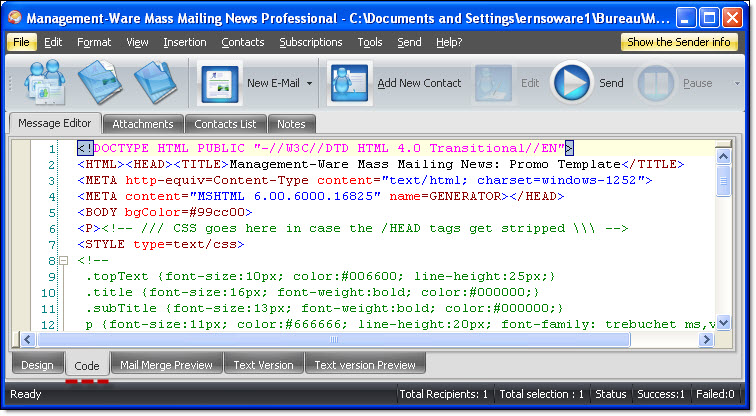
Create email message - see the codes |
  
|
Create email message - see the codes |
|
If you want to see the codes of your email message then, click on the “Code” tab from the taskbar. If you are an advanced user, you can do the changes in code mode. In the opposite case, please click on the “Design” button to edit your campaign.