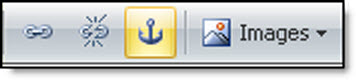
Named anchor (Create a shortcut) |
  
|
Named anchor (Create a shortcut) |
|
What is shortcut? A shortcut is used to go quickly to an html page. You can switch from one section to the other on the same page.
To insert a shortcut, you need to place your cursor in the location you want the shortcut to be. When opening the dialog box, enter a name. To use a shortcut, you need to select a word or group of words. Then click on the “Hypertext link insertion” button and enter the name of the shortcut you have created. (Ex.: #name of shortcut.) Your link must contain the sign “#” followed by the shortcut name with no spaces.
Note: The shortcut can be inserted from the “Insertion” menu or from the taskbar by clicking on the icon that represents an anchor. This icon is located between the “Remove Hyperlink” and “Image” buttons.