Print an email message |
  
|
Print an email message |
|
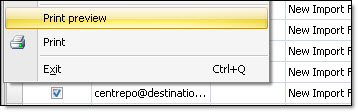
The Mass Mailing News program allows you to print your messages, anytime. From the “File” menu, select “Print”. The “Print” dialog box will be displayed. Choose your printer and click on the “Print” button. If you don’t wish to print your message anymore then click on the “Cancel” button to cancel the printing request.