Show the borders of the tables |
  
|
Show the borders of the tables |
|
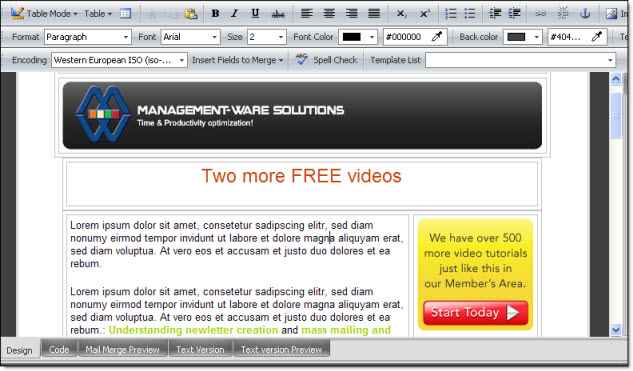
Third view mode in Mass Mailing News: Show the borders of the tables: To modify the view mode, just click on “View”, then on “Table mode” and select Show the borders of the tables”. When using this view mode, you will have all the flexibility needed to modify or adjust your creations. To modify a table, move the grid lines on the table. To return to the standard view, click on “View”, then on “Table mode” and select “Standard View”. The image below shows the displayed borders of the tables of the newsletter.