Show Gridlines in Mass Mailing News |
  
|
Show Gridlines in Mass Mailing News |
|
To display grid lines in Mass Mailing News, just click on “View”, and then select “Show gridlines". The grid lines will automatically be displayed.
Image with the grid lines in the best mass mailing software!
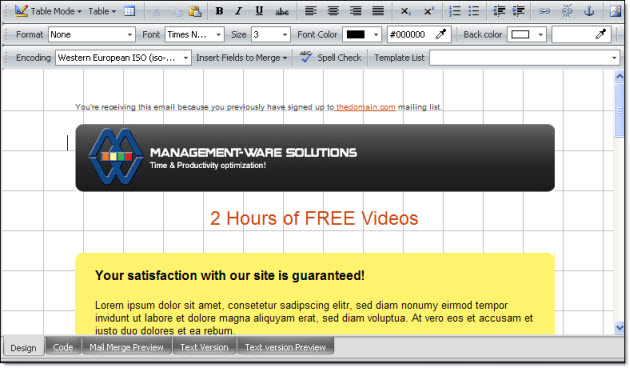
To remove the grid lines in this desktop email marketing software, uncheck “ Show gridlines" from the “View” menu. The image below shows the grid lines of a message.
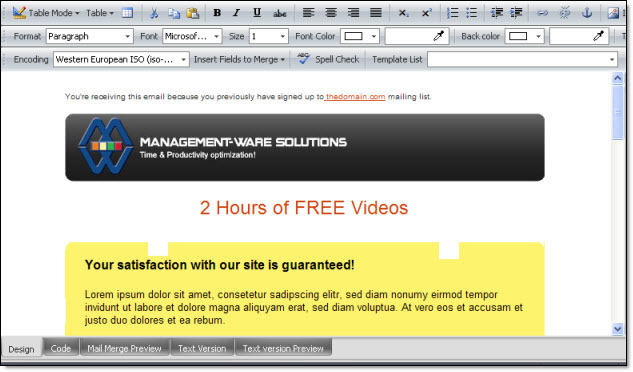
Standard view in Mass Mailing News