Show tags in Mass Mailing News |
  
|
Show tags in Mass Mailing News |
|
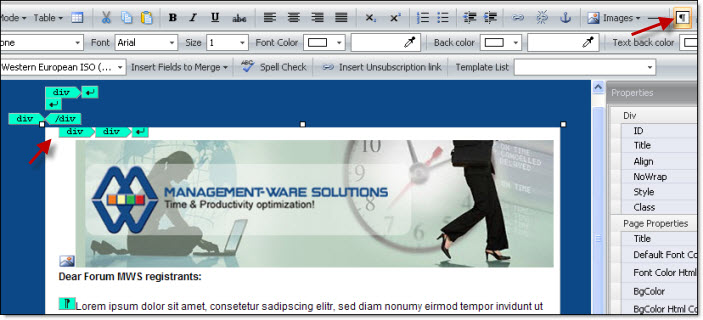
You wish to show the tags in the mass mailing program? From the “View” menu, select “Show tags”. Once the tags are displayed, please remove the unnecessary tags. Unnecessary tags can distort your message.
You can also access the tags by clicking on the shortcut. See the screenshot below.
Image with tags in Mass Mailing News: