Table mode in Mass Mailing News |
  
|
Table mode in Mass Mailing News |
|
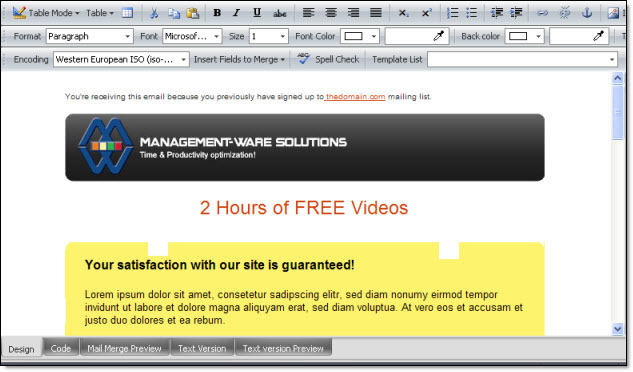
The “View” menu gives access to three (3) view modes: Standard view, layout view and show the borders of the tables.
Standard view in Mass Mailing News: This view mode is the one you will find by default when you open Mass Mailing News. To change the view mode, just click on “View”, then “Table mode” and select the desired mode.