Text message preview in Mass Mailing News |
  
|
Text message preview in Mass Mailing News |
|
Click on the “Text message preview” button, from the taskbar. To modify your message, click on the “Text version” button.
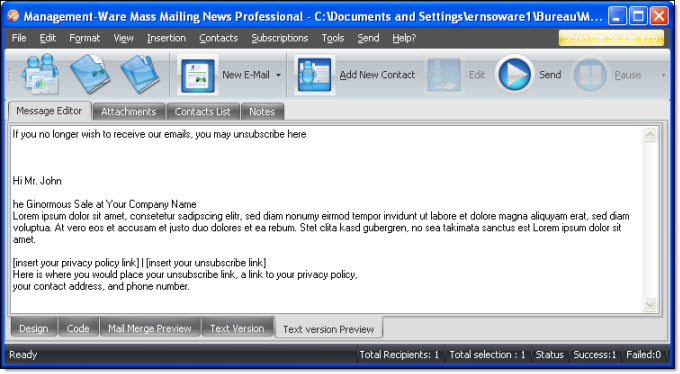
Note: You cannot edit a message in “Preview” mode. If, by any reason, your message isn’t displayed in the first attempt, click on the “Design” tab and then on the “Text message preview” tab. Your message should be displayed.