See the text version of the email message |
  
|
See the text version of the email message |
|
To see the text version of the message, click on the “Text version” tab, from the taskbar. The editor will display the text version of your campaign.
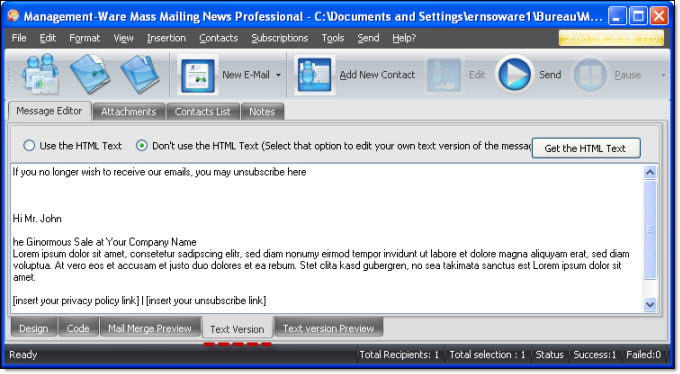
Note: all the texts that are displayed in your campaign will be displayed. In the text version of the message, please eliminate the unnecessary.
If you do not want to use the text version of your campaign, then select “Don't use the HTML text”. You can create or copy / paste a new text.
If you want to add a signature to this version of the message you must select the signature text version.