Add background images to emails |
  
|
Add background images to emails |
|
Add background images to emails with our emailing software.

From the “Format” menu, select “Background”, then select “Background image”. The “Select an image” dialog box will be displayed. Select the image you wish to add and click on the "Open" button.

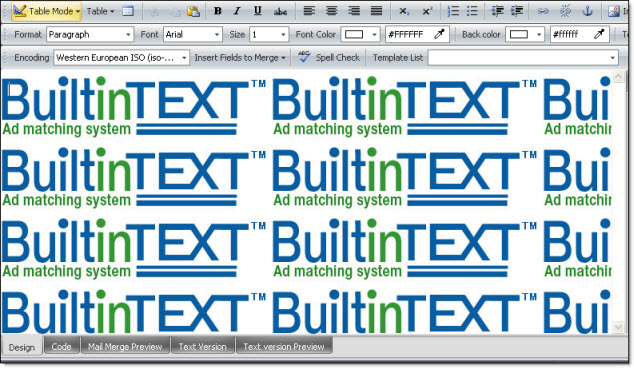
Background image in the message editor