Background color in Mass emailer |
  
|
Background color in Mass emailer |
|
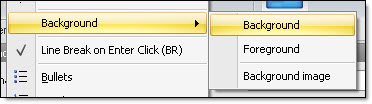
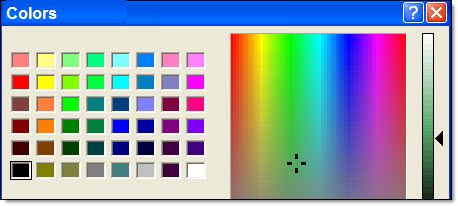
This mass emailer program suggests a variety of colors that can be used for your background. From the “Format” menu, select “Background”, then select “Background”. The “Colors” dialog box will be displayed. Select the color you wish to add or modify. To customize your colors, from the “Colors” dialog box, click on the “Define customized colors” button. Add the color you want and click on the “Ok” button to confirm your choices and close the “Colors” dialog box.