Create new mailing list with our mass mailer program |
  
|
Create new mailing list with our mass mailer program |
|
Create quickly a “New mailing list” with our mass mailer program. When the program starts, it always displays a new page by default. Each new page is considered as a new contact list. The only time it doesn’t display a new page when starting, is when you open an existing contact list.
To open an existing contact list, you only have to double click on it. If you work on a template and you click on “New mailing list” from the main screen (in design mode) or from the “File” menu, the e-mail program will ask you to save the document and it will create a similar document (a duplicate) of your document. This is how you can modify the content of your message, import a new contact list and send your e-campaign to another recipient group.
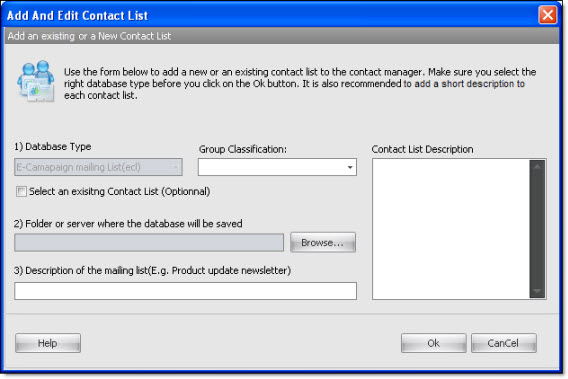
Note: When you click on « New mailing list », a new template is created and it gives you the chance to modify the content of your e-mail and the chance to import a new list of e-mail addresses.
You must remember that when you click on “New email”, the message editor will be empty and your contact list will remain intact. You should know that you can create as many mailing lists as you like as well. You can create an unlimited number of lists!