Fonts in Mass Mailing News |
  
|
Fonts in Mass Mailing News |
|
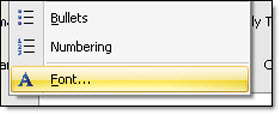
Mass Mailing News offers a range of fonts. To access the font dialog box, just click on “Format” and drag your cursor to “Font”.
The “Font” dialog box will automatically appear. Select and then click “Ok” to confirm your choice. To cancel, just click on “Cancel”.
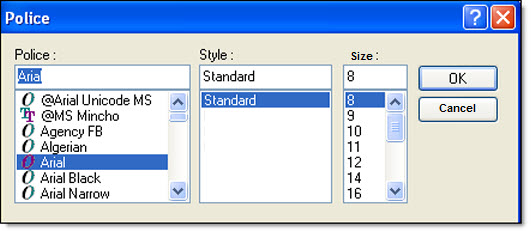
The “Font” dialog box shows the fonts, the style and the size of the font, the effects, the colors and a preview of the font.