Import a Web page (URL) in our email sender |
  
|
Import a Web page (URL) in our email sender |
|
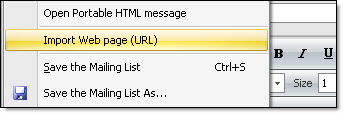
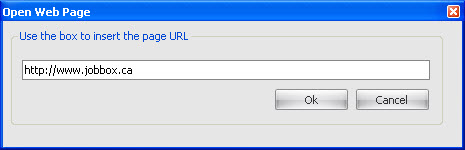
It's really easy to import a Web page (URL) with this bulk email sender. From the “File” menu, select “Import web page (URL)”, the “Open Web page” dialog box will be displayed. Enter in the appropriate field, the complete URL address that you want to import and click on the “Ok” button.
Import a Web page as a message in Mass Mailing News
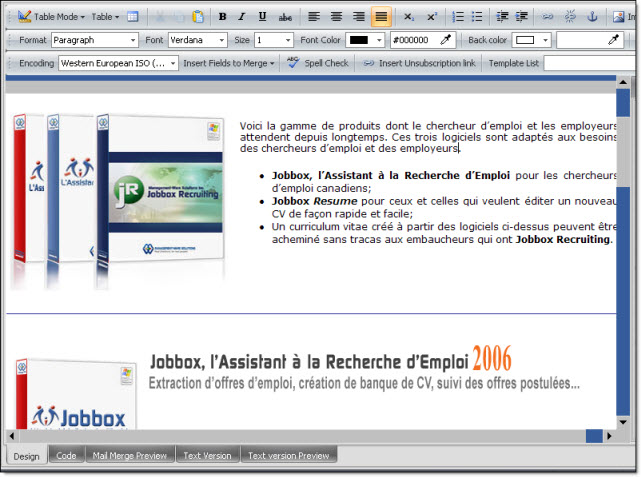
Your Web page will be automatically imported in the Mass Mailing News software. You will have the possibility to make modifications.