Save the mailing list for another computer |
  
|
Save the mailing list for another computer |
|
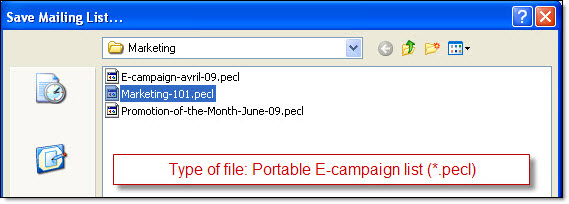
Our desktop email marketing software gives you the ability to save the mailing list for another computer. From the “File” menu, select “Save the mailing list for another computer”. The “Save mailing list” dialog box is going to be displayed. Give a name to your portable template (E.g.: send-massive-emails-01) and click on the “Save” button.
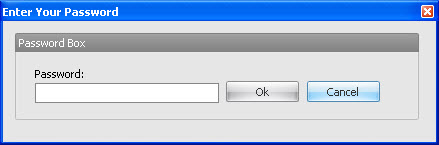
Then, the “Enter your password” dialog box will be displayed. If you want to add a password in the message then add it in the appropriate field. If you don’t wish to add a password, you only have to click on the “Cancel” button.
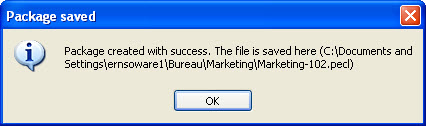
Package saved
Note: If the list is password protected you need to have the password in order to open it. Please contact the person who created the list. Otherwise, you will not be able to open the message.
Note: Free bulk email software for targeted email marketing campaigns and email lists building.Create and send bulk HTML email campaigns. Boost your bulk email marketing now.