How to save the HTML message? |
  
|
How to save the HTML message? |
|
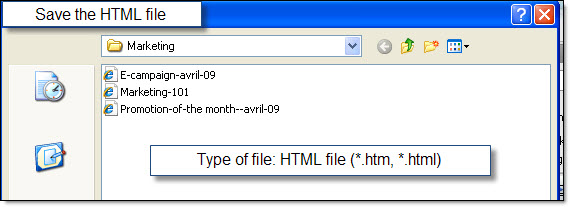
In our desktop email marketing software - to save your HTML message, from the “File” menu, select “Save HTML message as…”. The “Save the HTML file" dialog box is going to be displayed. Give a name to your HTML page (E.g.: bulkmail-e-zine) and click on the “Save” button.
Note: If you like, in the future, you can use this message as a template. By the way, Mass Mailing News contains more than 175 HTML email templates. Free HTML email templates make it easy for anyone to create and send colorful, attention-grabbing email newsletters.