Shortcut: Table |
  
|
Shortcut: Table |
|
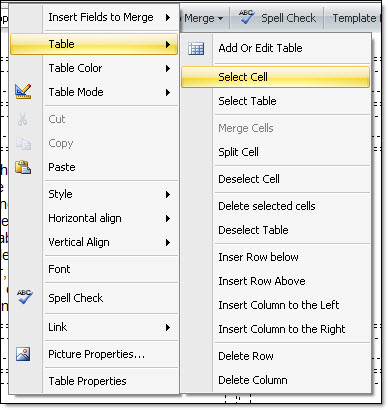
Quickly access the table and functions related to it. First, click on the table. Right click on your mouse, select “Table” and select an option. The choices offered to you are: property, insert table, select the cell, select the table, merge the cells, divide cells, delete cells, delete selected cells, delete table, insert lines under, insert lines over, insert a column to the left, insert columns to the right, delete lines and delete columns.
To delete a table, you just have to select the table and click on the “Delete” button from your keyboard.