Activate selected contacts in Mass Mailing News |
  
|
Activate selected contacts in Mass Mailing News |
|
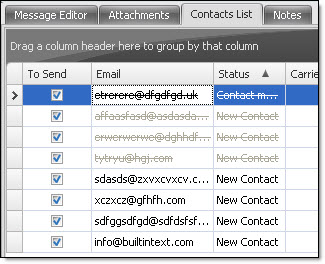
On the taskbar, go to “Contacts” and then select “Activate the selected contacts”. The selected contacts will be uncrossed.
The screenshot below shows eight contacts among which four (4) are checked and deactivated (barred).
You can activate or deactivate a contact via the contact form.
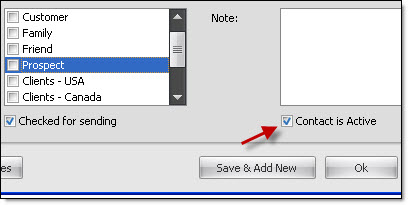
Note: When a contact is manually added in the contacts list, it is checked and activated by default. If you want to access some items that are deactivated in the “Contacts” menu, first, you have to click on the “Contact List” tab and then on the “Contacts” menu.