Export all contacts from Mass Mailing News |
  
|
Export all contacts from Mass Mailing News |
|
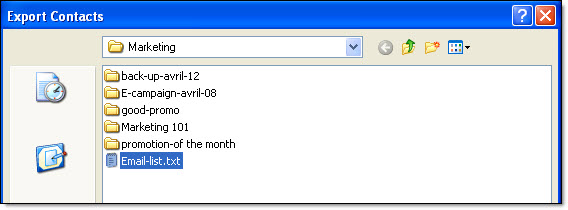
From the taskbar, go to the “Contacts” menu and select “Export all contacts”. The “Export contacts” dialog box will be displayed. To find out about the rest of the steps, go to the section that talks about the export of contacts through the “File” menu (export contacts).