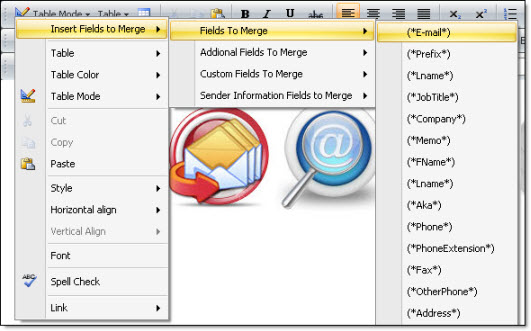
Change the fields’ titles - texts and tags editor |
  
|
Change the fields’ titles - texts and tags editor |
|
The Mass Mailing News program gives you the freedom to change the fields’ titles…Display what you want!
To display the "Contact form fields name” dialog box, click on the “Contacts list” tab, then click on the “Tools” menu and select "Contact fields texts and tags editor". The "Contact form fields name” dialog box will be displayed. Modify and save your changes.
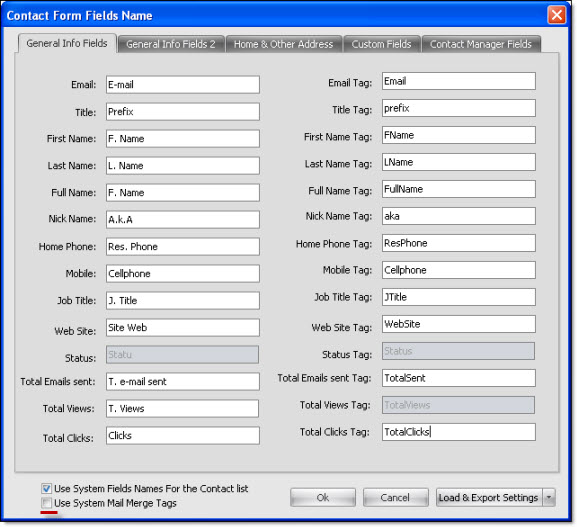
Note: Do not forget to uncheck the fields: "Use system fields names for the contact list" and "Use system mail merge tags".