Find an item quickly in your message |
  
|
Find an item quickly in your message |
|
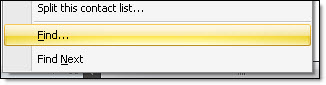
From the taskbar, go to the “Contacts” menu and select “Find”
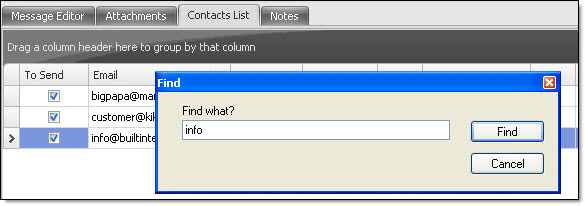
The “Find” dialog box will be displayed. Enter a last name, a first name, a domain name, a partial or complete email address and click on the “Retrieve” button. If the search is possible to do, the software will select the name or the email searched. Here, the search is done in the contact list and not in the message. To carry out a search in the message, please go to the “Edit” menu.
Note: To have access to all the options of the “Contacts” menu, first you need to click on the “Contacts list” tab. Then, all the options of the contacts menu will be activated.