Split a contact list in Mass Mailing News |
  
|
Split a contact list in Mass Mailing News |
|
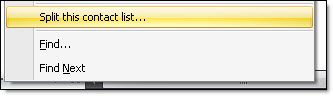
Step 1: From the taskbar, go to the “Contacts” menu and select “Split this contact list”.
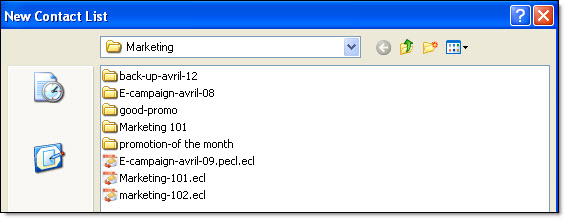
Step 2: The “New contact list” dialog box will be displayed. Give a name to you contact list and click on the “Save” button.
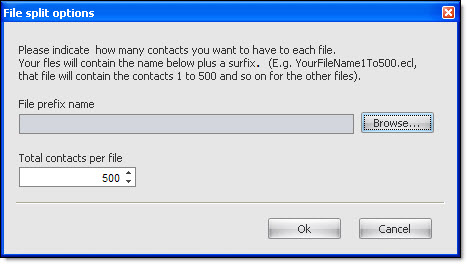
Step 3: Select the number of contacts per file and click on the “Ok” button. The program will inform you the number of files it has created.