Open (icon) - in Mass Mailing News |
  
|
Open (icon) - in Mass Mailing News |
|
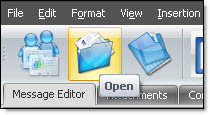
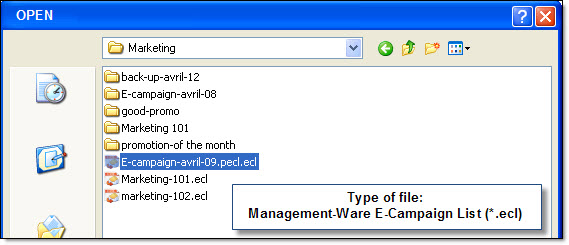
Icons are shortcuts to reach faster the items.On the taskbar, go to the “Open” menu. If the option “Use contact list manager” is not checked through the “Edit” menu, the “Open” file dialog box will be displayed automatically. Select the desired document and click on the “Open” button.
If the option “Use contact list manager” is checked through the “Edit” menu, then the “Contact list manager” dialog box will be displayed automatically. Select the desired document and click on the “Open” button.
Note: the contact lists created with the Mass Mailing News program carry the extension .ecl.