Subscriptions from database |
  
|
Subscriptions from database |
|
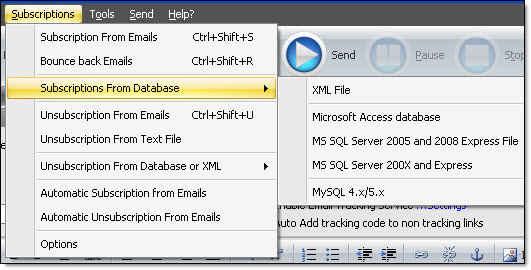
From the “Subscriptions” menu, select “Subscription from database” and select one of the following options:
• XML File
• Microsoft Access database
• MS SQL Server 2005 and 2008 Express file
• MS SQL server 200X and Express
• MySQL 4.x/5.x
To find out more about the other steps, go to the section that talks about the steps of how to import a contact list from a database, an Excel file or a XML file, through the “File” menu (Import Contacts/Recipients). Please follow the instructions and take a look at the screenshots.