Uncheck the selections in Mass Mailing News |
  
|
Uncheck the selections in Mass Mailing News |
|
It's really easy to uncheck the selects in Mass Mailing News. From the taskbar, go to the “Contacts” menu and select “Uncheck selected”. The selected contacts will be unchecked automatically.
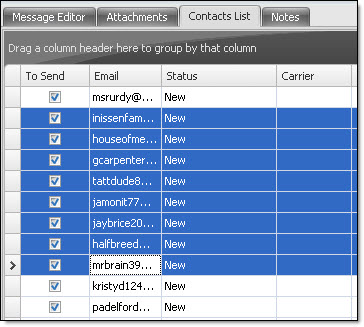
Note: To have access to all these items from the “Contacts” menu, first, click on the “Contacts list” tab. All the options will be activated.