Unsubscription Database |
  
|
Unsubscription Database |
|
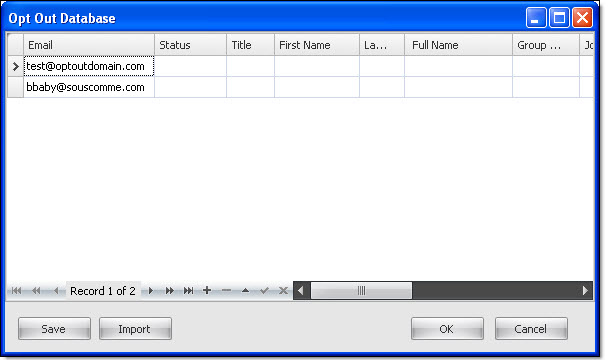
On the “Subscriptions” menu, go to “Unsubscription Database”. The “ Opt Out Database" dialog box will appear.
If you have email to import in this database, click on the "Import" button. Ideally, all your unsubscribed email addresses should be listed here. When sending email, email addresses listed here will be ignored.