unsubscription from text file |
  
|
unsubscription from text file |
|
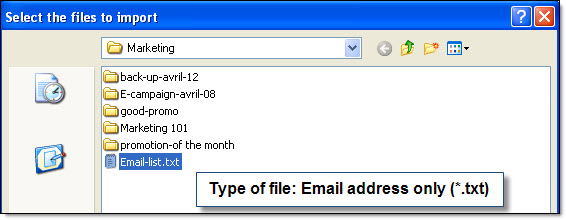
From the taskbar, go to the “Subscriptions” menu and select “Unsubscriptions from text file”. Then, select your text file and click on “Open”. The program will select the emails in your list and then you will be able to do what you want with the selection. If you want to delete them, then click on the “Contacts” menu and select “Delete selected” And if you want to move them in one of your blacklists, then click on the “Tools” menu and select the relevant item.