Delete a hypertext link in your e-mail message |
  
|
Delete a hypertext link in your e-mail message |
|
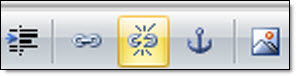
To delete a hypertext link in your message, first, you need to select the word or group of words that contain the hypertext link and, on the taskbar of the “Message editor”, click on the “Remove Hyperlink” icon. The hypertext link will be removed automatically.