Save the HTML message for another computer |
  
|
Save the HTML message for another computer |
|
From the “File” menu, select “Save HTML message for another computer”, the “Portable HTML message” dialog box will be displayed and you will have the possibility to give a unique name to your portable electronic campaign.
*Give a name to your HTML page (E.g.: massive email-e-zine) and click on the “Save” button.
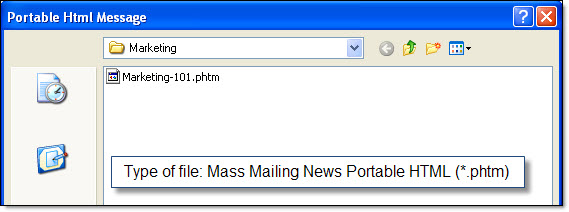
Note: The portable HTML messages have a .phtm extension. A portable HTML message contains all the message elements (ex: text, images and links). Warning! The portable message doesn’t contain the configuration information. To learn how to open a portable HTML message, please go to the “Open a portable HTML message” section.