Save the HTML message for your Website |
  
|
Save the HTML message for your Website |
|
Before or after creating your HTML message, you will be able to save the HTML message for your website.
1.From the “File” menu, select “Save HTML message for your Website”

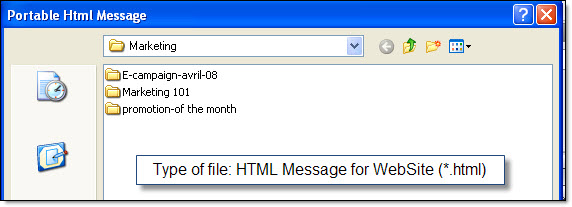
2.The “Portable HTML message” dialog box will be displayed and you will have the possibility to give a unique name to your file.
Package saved
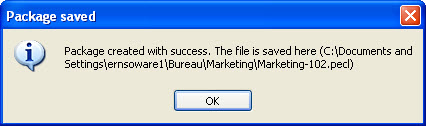
3.Copy this file. After that, access your website through your FTP address and paste the file in the appropriate place.
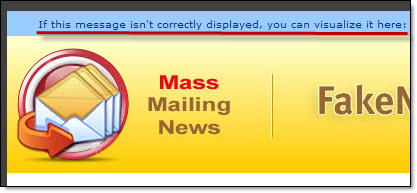
This way, when you create a message, you can add a message inviting your contacts to visit the mentioned page in case they have problems visualizing the message.
The following is a message example that can be written on your email content:
- If this message isn’t correctly displayed, you can visualize it here:
http://www.Email-Sender-YourwebSite.com//invitation.htm
- If you have difficulty reading this email, you can read the online version:
http://www.batch-email-YourwebSite.com//invitation.htm