Local unsubscription database setup |
  
|
Local unsubscription database setup |
|
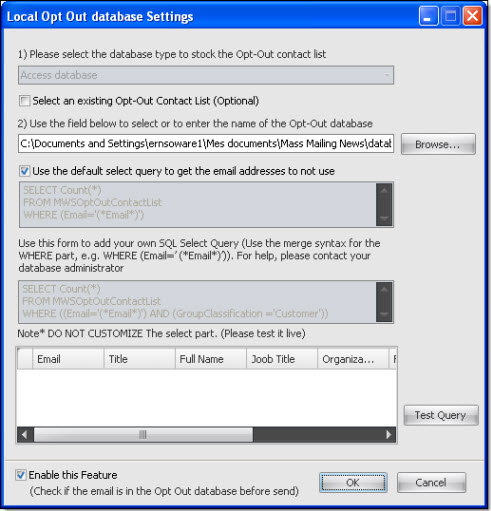
On the “Subscriptions” menu, go to "Local unsubscription database setup". The “ Local opt Out database settings" dialog box will appear.
To change the query, uncheck " Use the default select query to get the email addresses to not use".