Message queue manager |
  
|
Message queue manager |
|
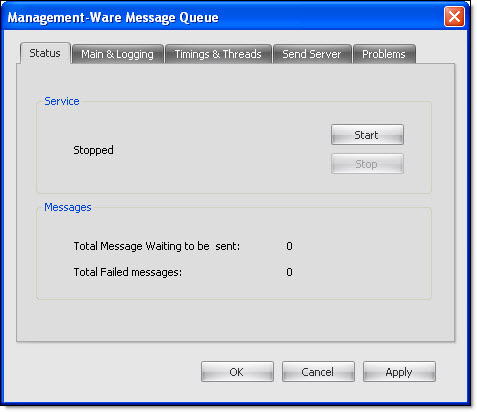
To access the mailing manager module, from the taskbar, go to the “Send” menu and select “Message queue manager”. A new dialog box will be displayed. Make your choices, fill out the necessary fields and click on the “Ok” button to save and close the dialog box.