Problems - Message queue |
  
|
Problems - Message queue |
|
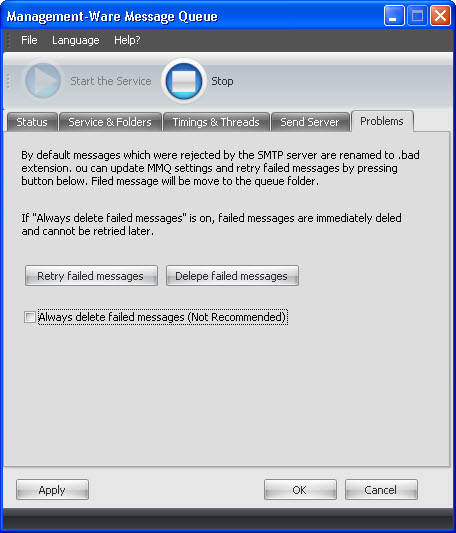
Retry Failed Messages button click forces renaming all .failed (failed messages) files into .eml (waiting to be sent) files. If you click on the "Retry Failed Messages" button, the software will rename all the failed messages and will try to resend them.
If the "Always Delete Failed Messages" checkbox is checked, the software will not try to resend the messages. Messages will be deleted instead of being renamed. After the messages are deleted they will not count in the Total Failed Messages statistics located on Status tab.
To register your data, click Apply or the OK button.
To cancel, you just need to click on the “Cancel” button. If you click on “Cancel”, your data will not be saved.